

How Bridging Works on Horizen
The Native Bridge
Horizen supports two bridges: the native OP Stack bridge and the Stargate bridge. This page covers how the native bridge works — it is the canonical, most trust-minimized way to move ETH between Base and Horizen. For bridging ZEN, USDC, cbBTC, or other chains, see Bridge Assets via Stargate.
| Network | Bridge URL |
|---|---|
| Mainnet | https://hub.horizen.io/ |
| Testnet | https://hub-testnet.horizen.io/ |
The native bridge relies entirely on the OP Stack's optimistic rollup security model — the same model that secures Base itself. No third-party protocol is involved in the bridging path.
Deposit and Withdrawal Mechanics
Moving assets in each direction behaves very differently. Understanding this before you bridge will prevent surprises.
Deposits: Base → Horizen
Deposits are straightforward and fast. When you deposit from Base to Horizen:
- Your ETH (or supported asset) is locked in the bridge contract on Base
- An equivalent amount is minted on Horizen
- Funds arrive on Horizen within a few minutes
There is no challenge window for deposits. Once the transaction is confirmed on Base and the Horizen Sequencer processes it, your funds are available.
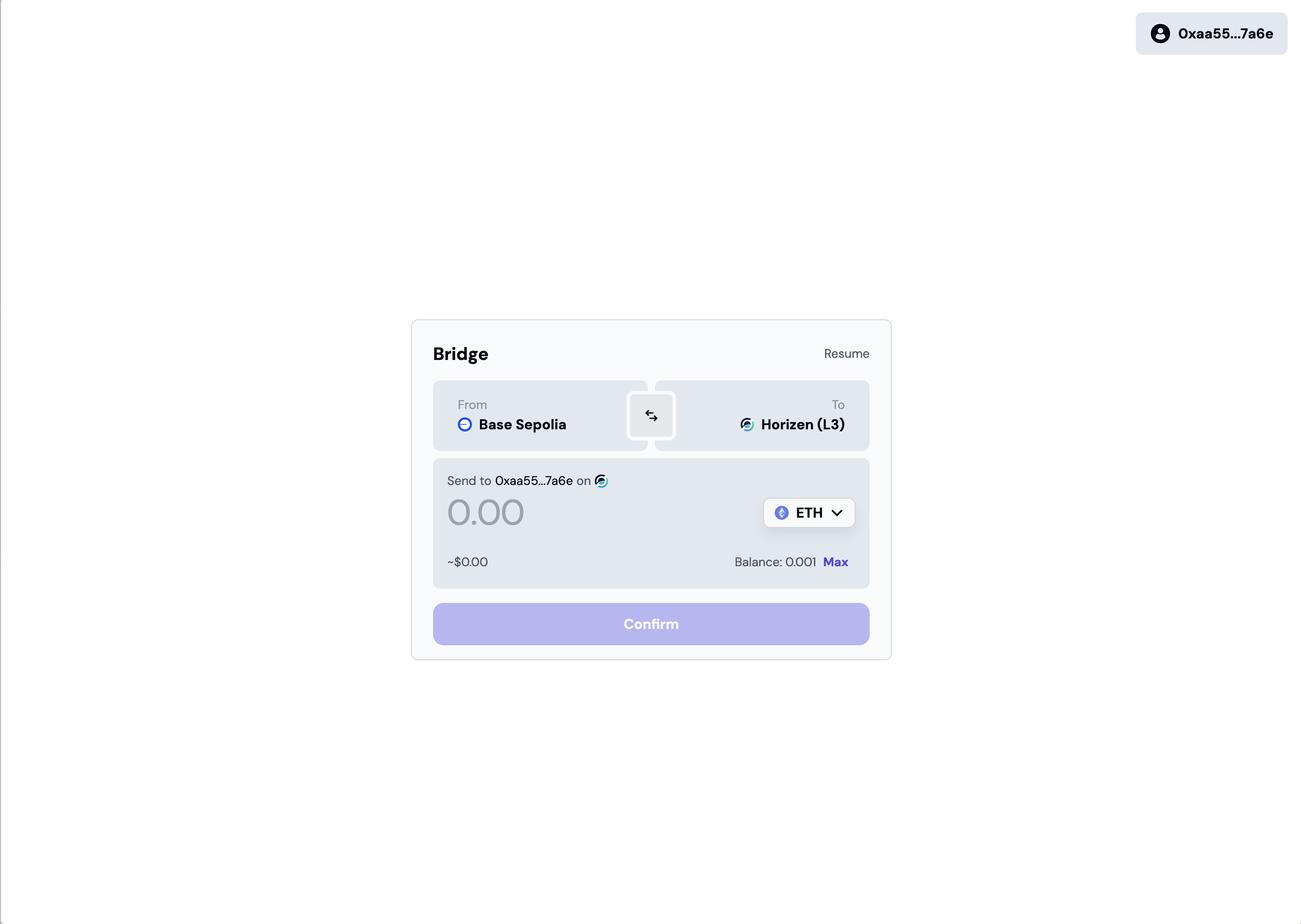
Set direction: Base → Horizen
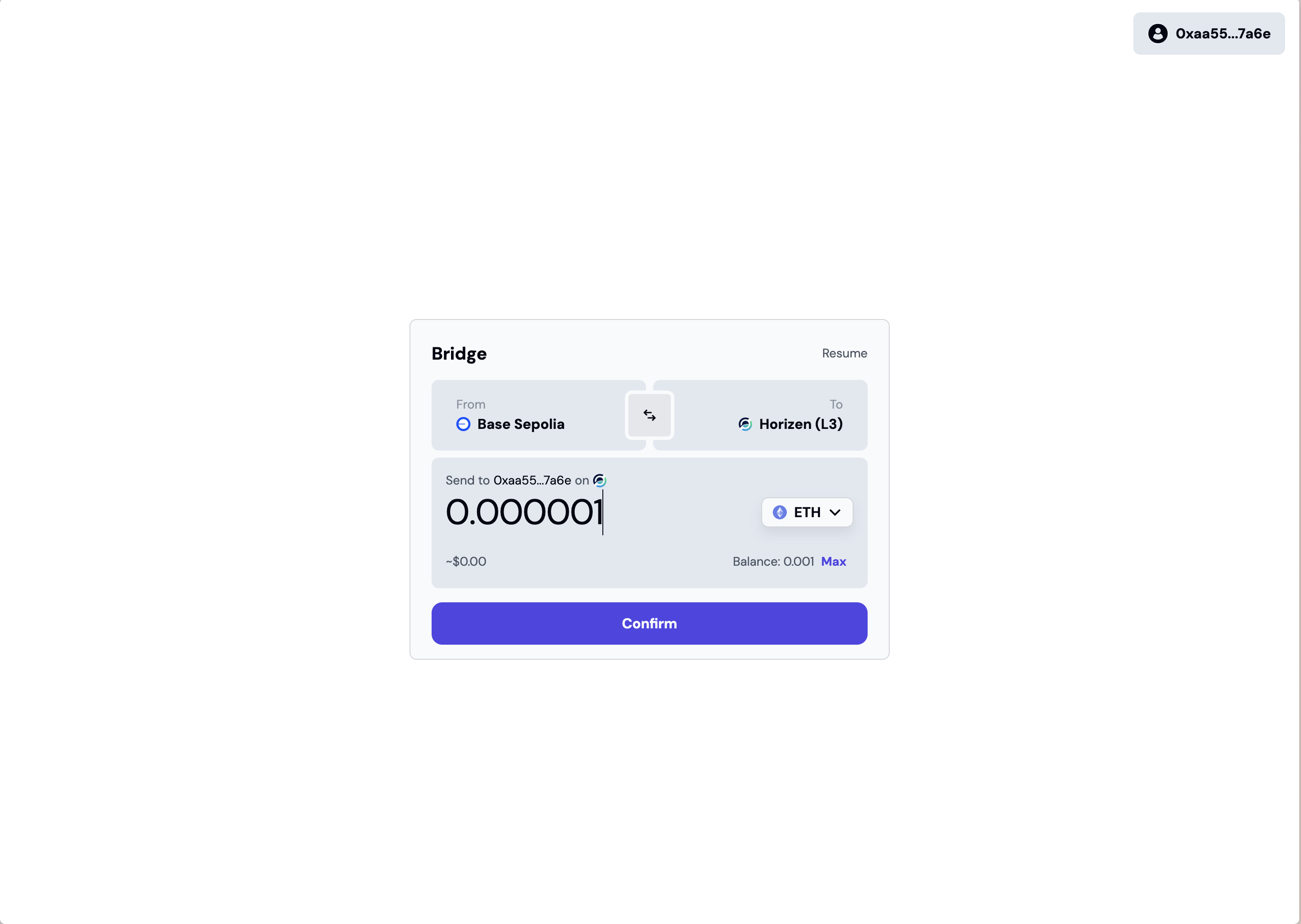
Enter amount and confirm
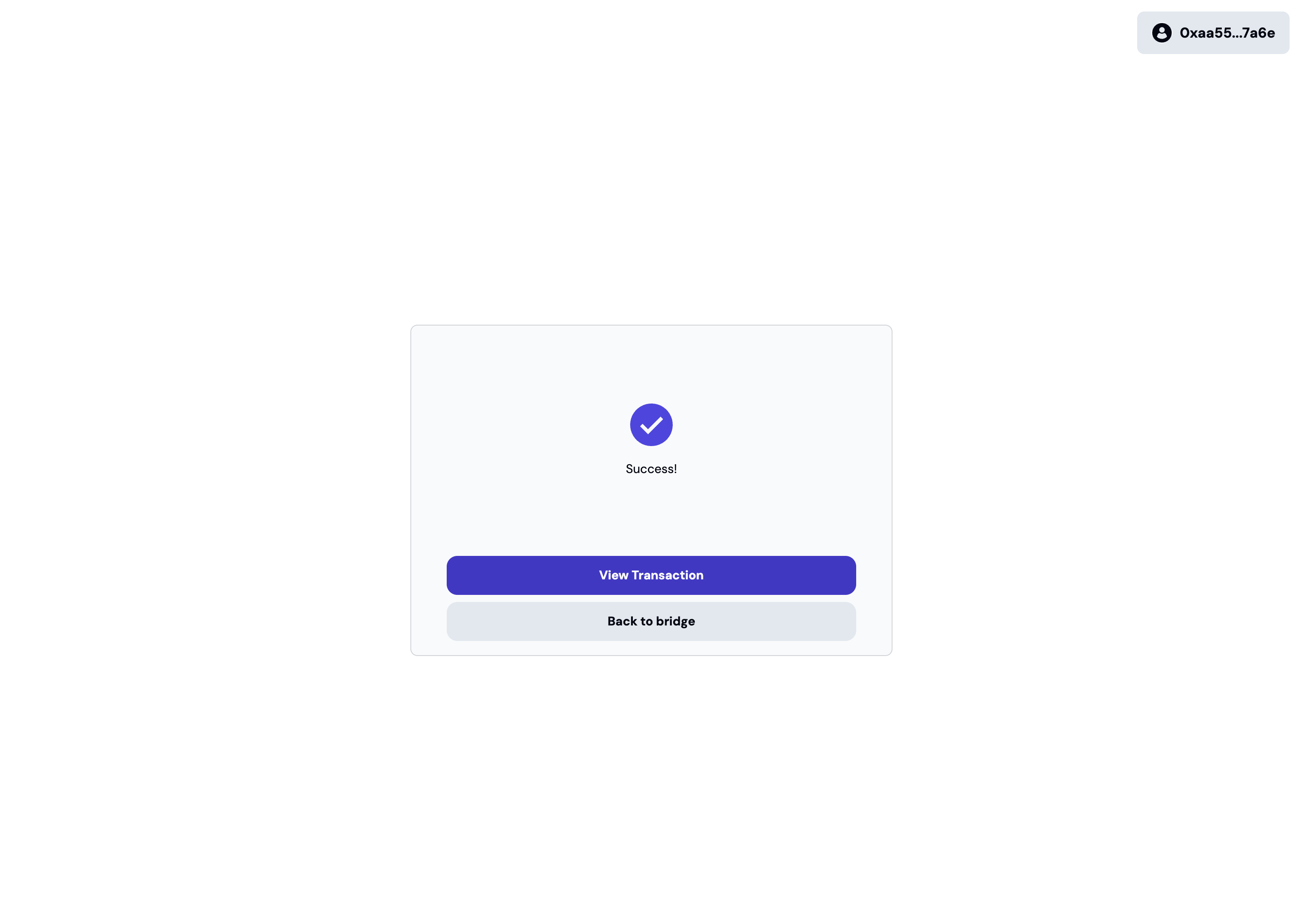
Deposit confirmed
Withdrawals: Horizen → Base
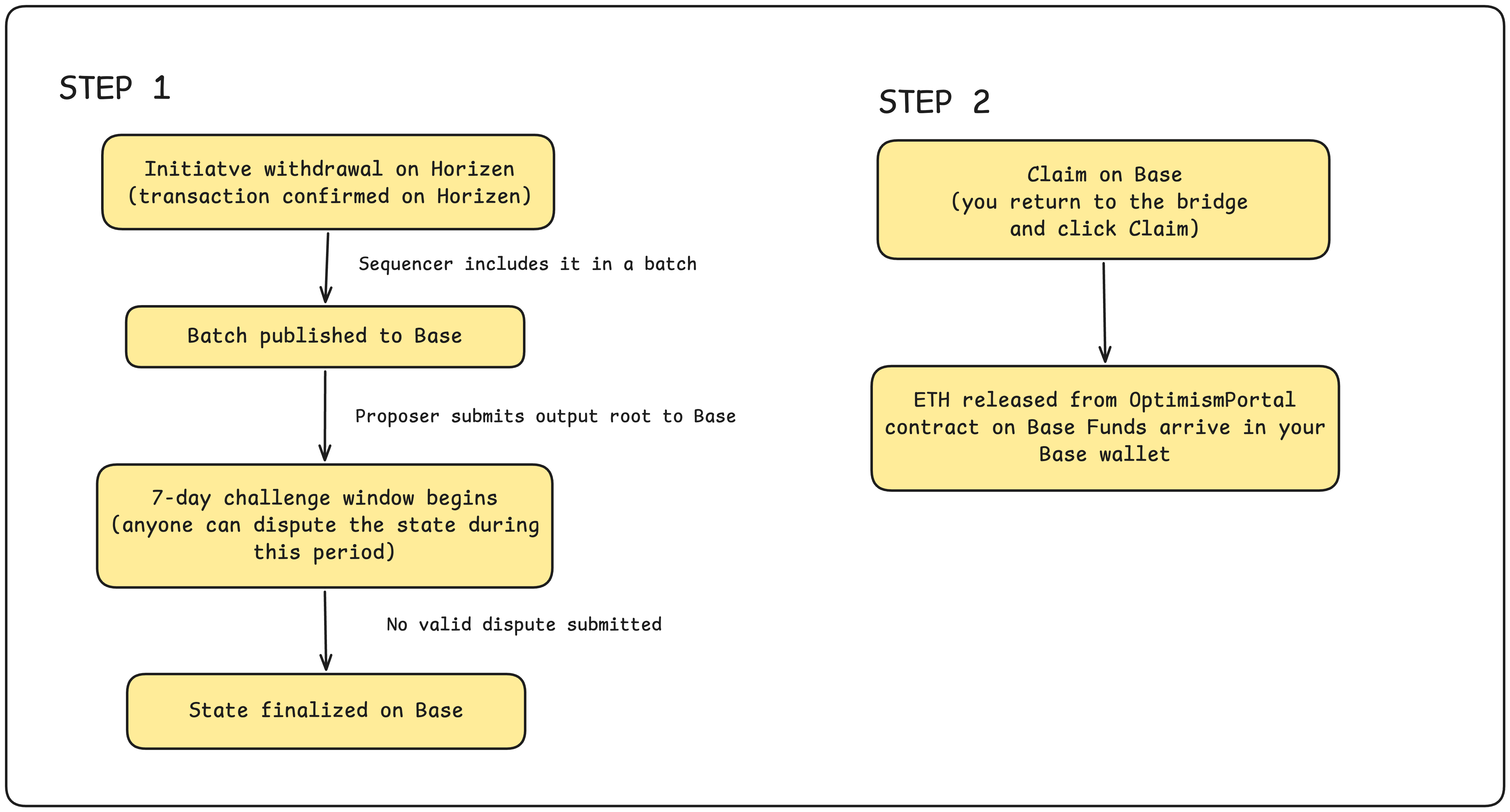
Withdrawals are a two-step process and take significantly longer due to the 7-day challenge window that is a core property of the optimistic rollup model.
Withdrawals from Horizen to Base take a minimum of 7 days to complete. It is the security mechanism of the optimistic rollup model. Plan accordingly. Do not initiate a withdrawal if you need your funds on Base sooner than 7 days from now.
A withdrawal requires two separate transactions:
- Transaction 1: Initiate the withdrawal on Horizen (costs gas on Horizen)
- Transaction 2: Claim the funds on Base after 7 days (costs gas on Base)
You must return to https://hub.horizen.io/ after the 7-day window to complete
the claim. Funds are not automatically sent to your Base wallet.
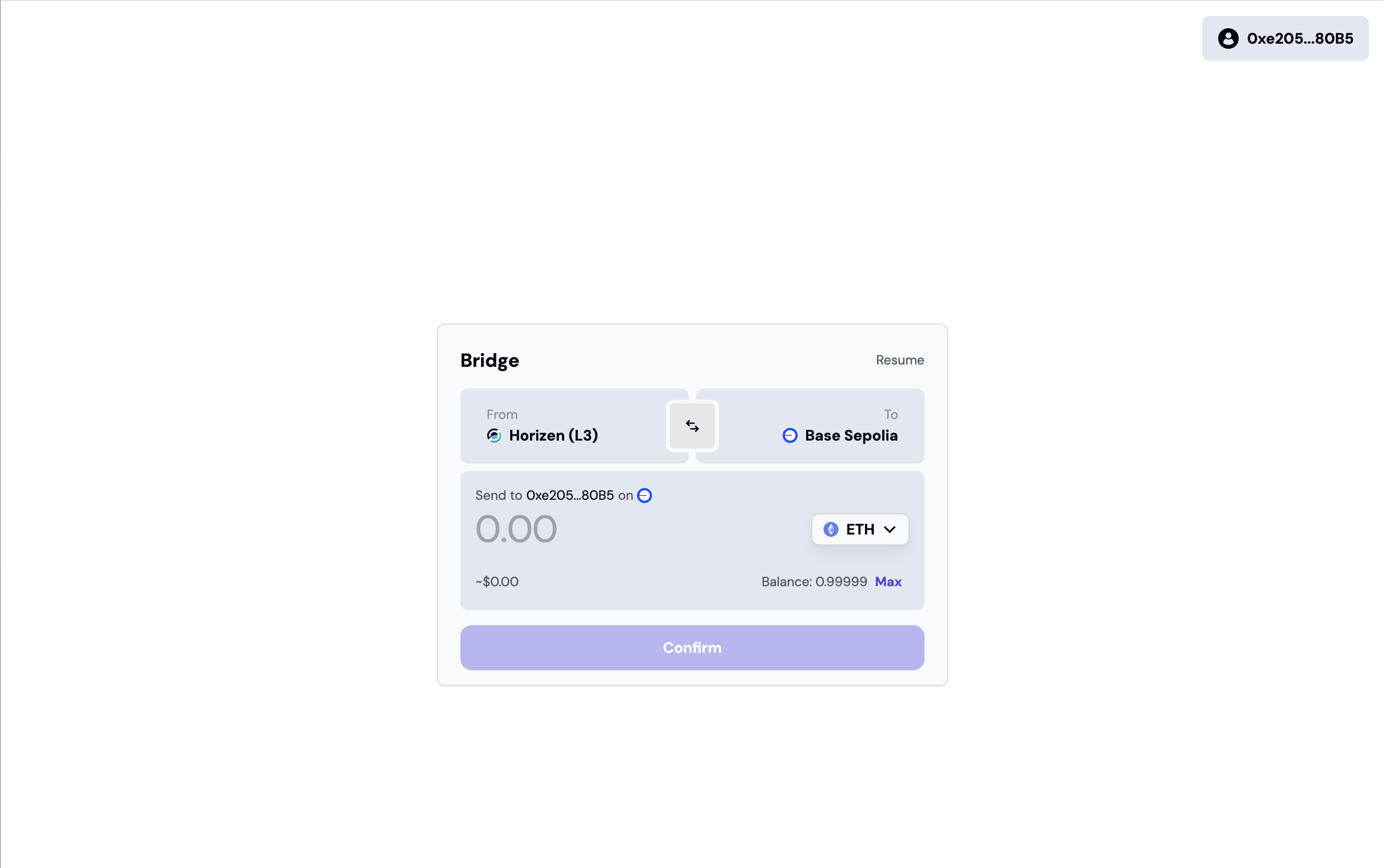
Step 1 — Initiate: set direction Horizen → Base, enter amount
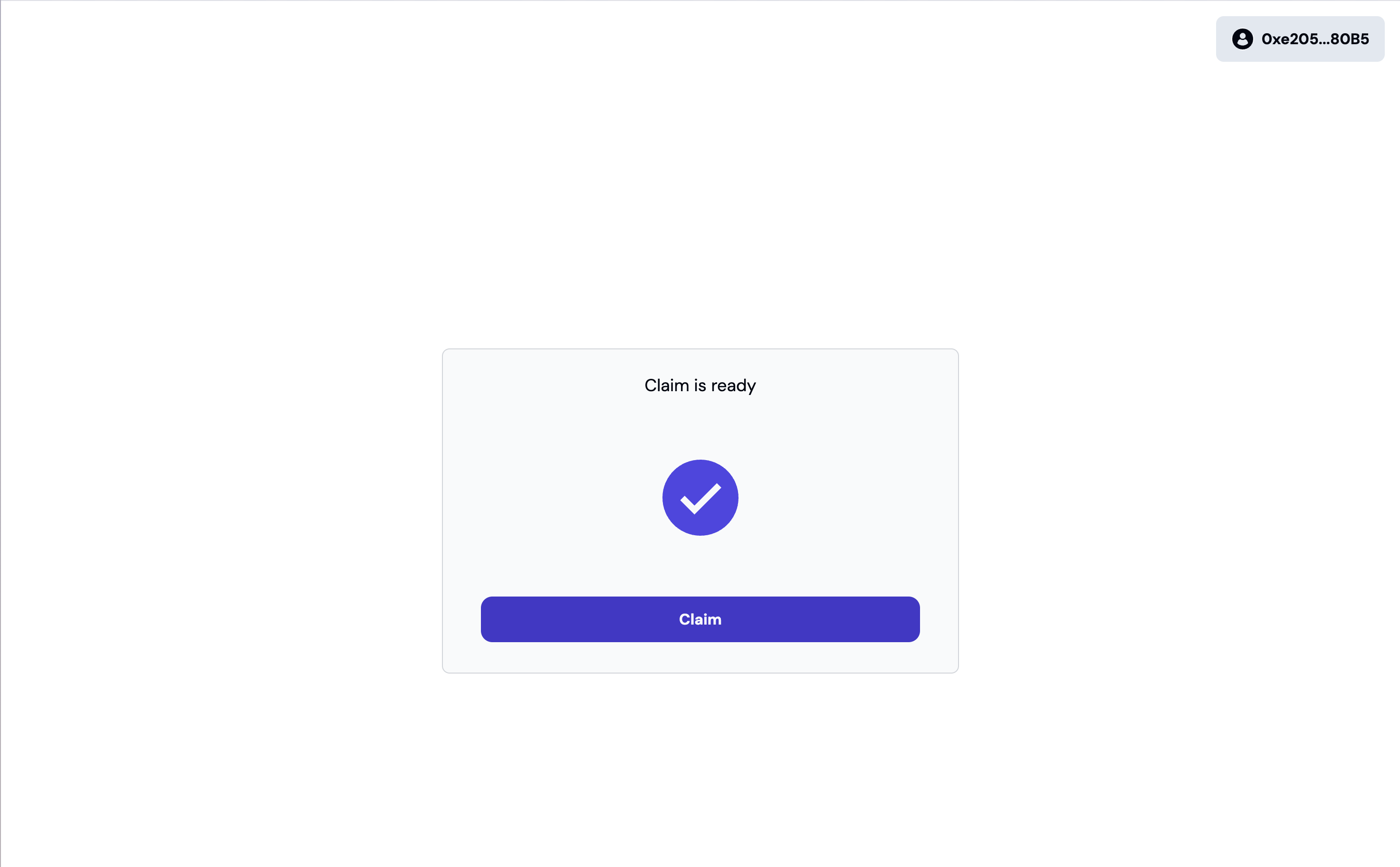
Step 2 — Claim: return after 7 days and submit the claim on Base
What the Bridge Supports
The native bridge currently supports ETH between Base and Horizen.
Additional assets may be available through the bridge UI. Always verify the asset
list directly at https://hub.horizen.io/ — this documentation reflects the state
at the time of writing and the bridge may be updated independently.
Trust Model
The native bridge inherits the full security of the OP Stack and Base:
- Deposits are secured by Base's smart contracts and finality guarantees
- Withdrawals are secured by the 7-day optimistic challenge window — any invalid state can be disputed during this period before funds are released
- No third party is involved in the bridging path — there is no relayer, liquidity provider, or off-chain validator between you and the contracts
This makes the native bridge the most trust-minimized option available. The tradeoff is the 7-day withdrawal window.